top of page


STEP 1
Answer a few questions on your use case
Set up your domain and answer questions about who will be using your assistant.

STEP 2
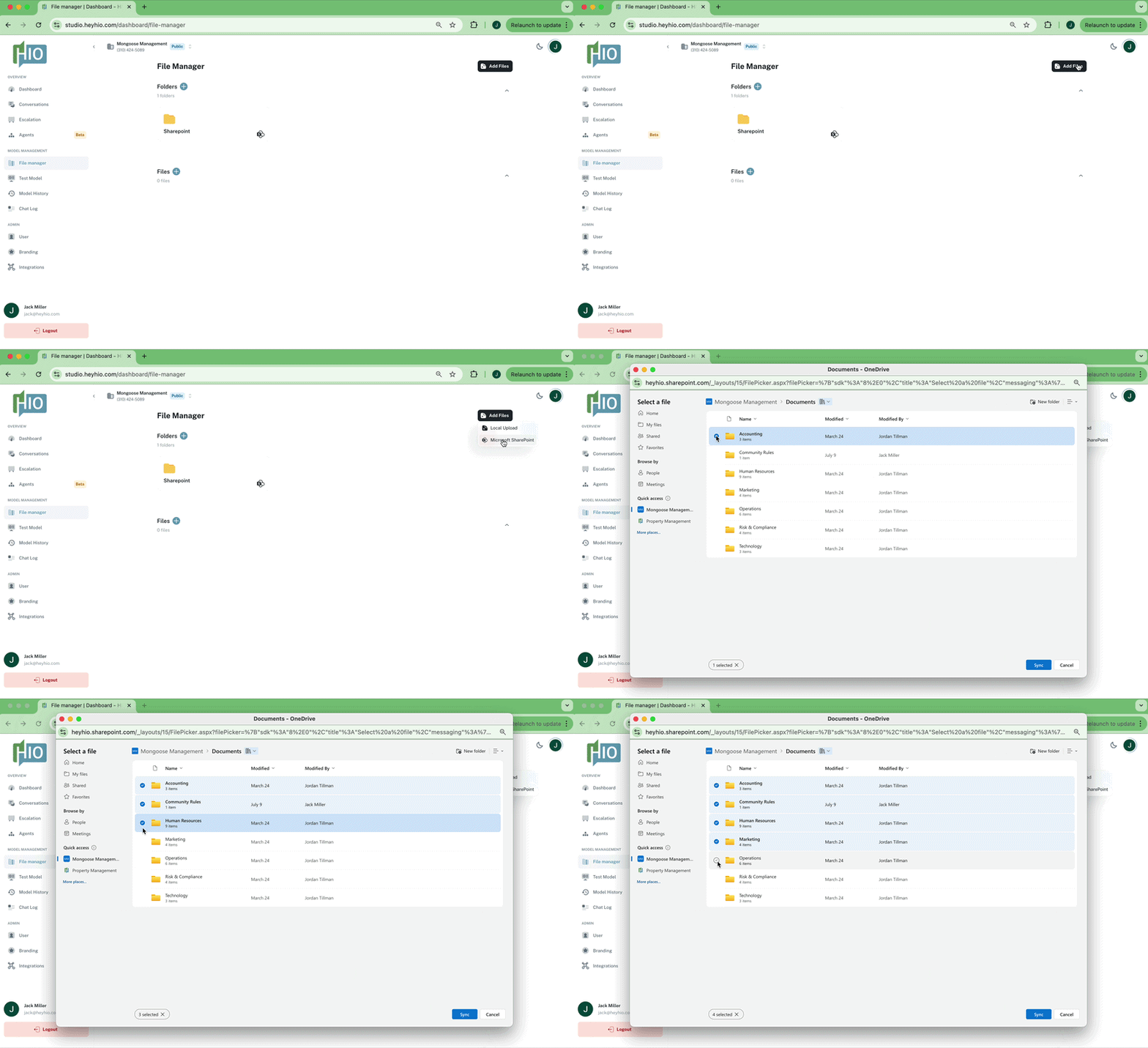
Set up your knowledge base
Upload files directly or connect your Sharepoint, Google Drive, or Box to give HIO access to your materials.
STEP 3
Share with your team
Share with your team over email and immediately observe activity and feedback from your end users.


Go live
Continuously monitor activity, tweak your assistant's responses, and configure integrations, all in HIO's Model Studio.
bottom of page